
Virtual Home Tours: A Buyer's Guide to Shortlisting Properties
Serious homebuyers no longer wait for an open weekend to begin shortlisting. The first walkthrough now happens on a screen, often weeks before a buyer sets foot in a display village or attends a scheduled inspection. Virtual home tours have fundamentally shifted how buyers evaluate properties: layout, flow, and finish quality are all assessable before a single appointment is booked. That shift has changed not just buyer behaviour, but how smart agents, builders, and studios approach listing campaigns.
Forward-thinking studios, 101 Studios among them, now integrate virtual home tour technology directly into full listing campaigns, so the experience from a buyer's first click through to their in-person visit feels intentional rather than patched together. That matters because a jarring quality drop between a polished social reel and a blurry 360 photo tour tells buyers something about the vendor, and rarely something good.
This guide covers the main tour formats you'll encounter, what to evaluate when you're touring remotely, and how to move confidently from shortlist to scheduled visit.
What a virtual home tour actually is
A virtual home tour is not a photo gallery with a "next" button. Where a standard listing gives buyers a curated sequence of still images chosen by the agent or photographer, a virtual tour gives buyers agency: they choose the path, the pace, and the angle. That distinction matters enormously when you're trying to understand how a home actually feels to move through.
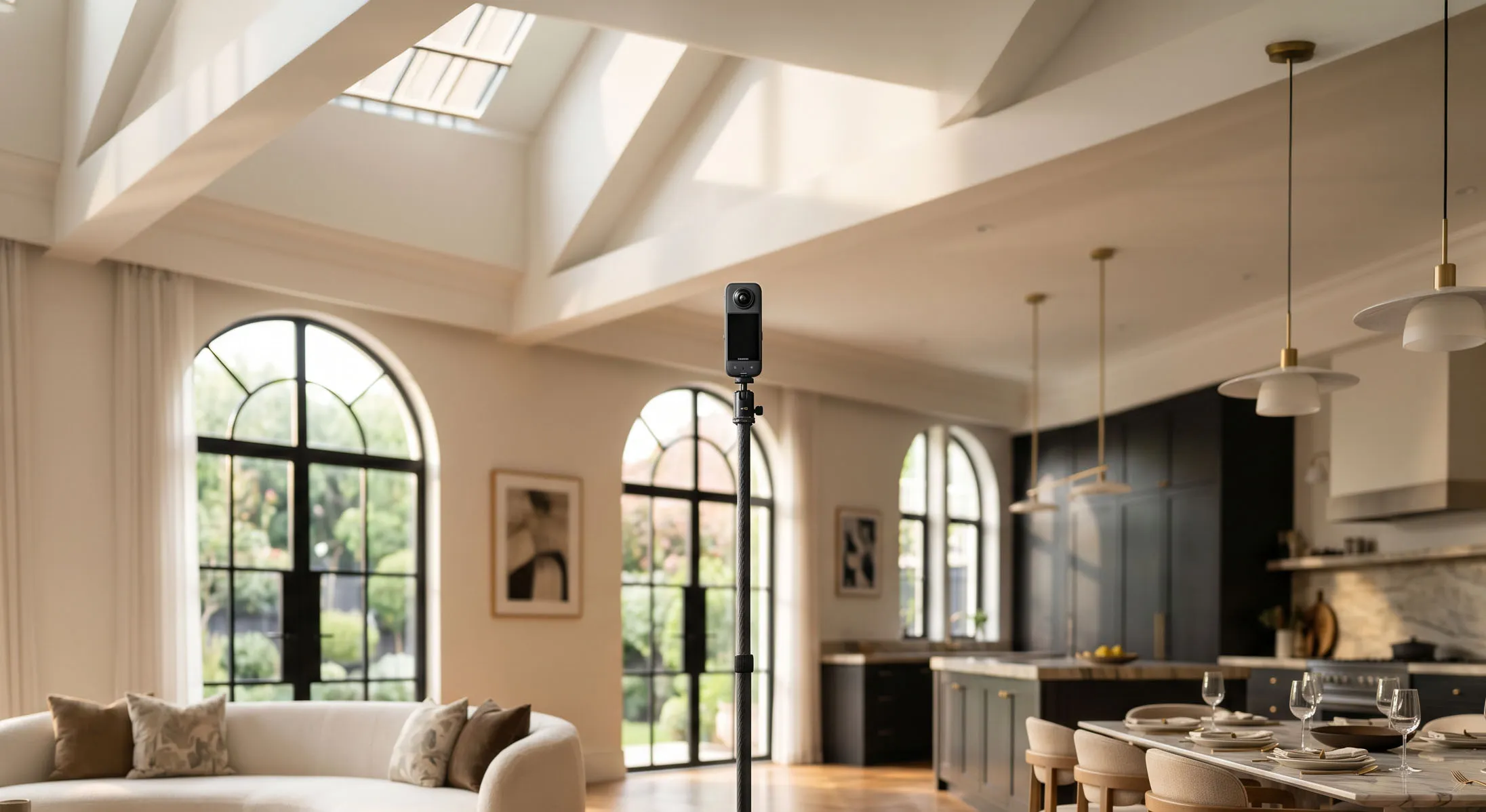
The technology behind most tours starts with a 3D scanning device or a 360-degree camera capturing a real space from multiple positions. Those captures are stitched together into a navigable environment that buyers can explore on any device, at any time, without booking an appointment. Better platforms generate an accurate floor plan and room measurements from the same scan, a significant advantage when you're comparing several designs side by side and trying to get a genuine sense of proportion.
New home builders and display village operators were among the earliest adopters of this technology because it solves a genuine problem: buyers in Sydney need to evaluate display designs being built in Brisbane, Melbourne, or the Sunshine Coast. Platforms like Matterport and 3D Walkabout now serve dozens of Australian builders, and names like Brighton Homes, Carlisle Homes, and Hallmark Homes have integrated 3D and 360-degree tours into their display home marketing. The technology has moved from a nice-to-have to a standard expectation.
The four virtual home tour formats you'll encounter when browsing display homes
Not every virtual tour is equal. Understanding what you're looking at before you start evaluating saves time and prevents you from drawing the wrong conclusions about a space.
3D tours and Matterport walkthroughs
This format sets the benchmark for display home evaluation. A Matterport-style 3D tour creates a full digital model of the space, complete with a dollhouse view, an interactive floor plan, and the freedom to move through rooms without a fixed path. Buyers can measure wall lengths, inspect ceiling heights, and examine material finishes up close. It is the closest thing to being physically present without being there, and the measurement data means you're not relying solely on visual impressions that wide-angle lenses can distort.
360-degree photo tours
These are panoramic images captured from fixed points, connected by hotspot navigation. More affordable to produce and widely used, they come with a real limitation: depth and scale are harder to read accurately. A wide-angle lens can make a modest room appear generously proportioned. Treat 360-degree tours as a useful preview rather than a definitive spatial assessment, and always cross-reference against the published floor plan dimensions before drawing conclusions.
Video walkthroughs and cinematic property reels
Video walkthroughs offer a cinematic, first-person movement through the property that creates strong emotional impact and loads quickly on mobile. The limitation is that they're not interactive: you can't pause to check a doorway width or revisit a kitchen detail. They are excellent for getting a feel for the property's mood and presentation, but they work best alongside an interactive tour rather than as a substitute for one.
Virtual staging
Virtual staging takes an empty or unfurnished display home and digitally adds furniture, rugs, artwork, and decor to help buyers visualise how a space lives. It enhances other formats rather than standing alone, and it's worth knowing that styling choices can obscure storage deficits or mask awkward proportions. When you're taking an online home tour of a virtually staged property, look past the furniture and assess the actual architecture underneath.
Why remote touring reshapes how buyers shortlist
The efficiency gains are real and they compound quickly. Buyers who shortlist via virtual home tours arrive at in-person visits with sharper questions and narrower criteria, which means fewer wasted weekends and more productive conversations with sales consultants. According to Zillow's 2024 Consumer Housing Trends Report, 62% of buyers actively seek immersive 3D tours, and 63% have submitted offers on properties without visiting in person first, relying on virtual tour quality to support their decision.
For buyers, speed works in their favour too. You can evaluate six floor plan designs in an afternoon without booking six separate appointments, then spend your in-person time only on the two or three that genuinely suit your brief. The data reflects how embedded virtual open house experiences have become in the buying journey: buyers are no longer treating remote tours as a preliminary step but as a decision-making tool in their own right.
Virtual tours don't eliminate the in-person visit, they make it count more. Think of the tour as the filter and the inspection as the confirmation.
A practical checklist for evaluating display homes on a virtual tour
This is where the value of a good virtual home tour becomes concrete. A structured approach to what you're looking at prevents the experience from becoming a passive scroll.
Layout, flow, and spatial proportion
Start with the floor plan logic. Does the layout read sensibly from entry to living zones to private areas? Where is the kitchen positioned relative to the outdoor entertaining space? Does the 3D tour's spatial feel match what the published floor plan dimensions suggest? Wide-angle lenses flatter rooms, so always cross-reference visual impressions with stated measurements. If the tour doesn't display dimensions, download the floor plan separately and check the numbers before forming a view on room size.
Natural light, finishes, and storage
Look at which direction windows face and consider what that means for morning versus afternoon light. Check ceiling height, one of the most significant contributors to how spacious a room feels, and one of the easiest details to overlook on a tour. Inspect flooring transitions between rooms, the quality of fixtures in kitchens and bathrooms, and the presence of adequate storage across all rooms, not just bedrooms. Virtual staging frequently conceals cupboard deficits, so actively seek out built-in storage even in styled versions of a tour.
Documenting what you see so you can compare accurately
Comparing three or four display homes from memory is a reliable path to confusion. Keep a simple notes document organised by property, with a quick score on layout, natural light, storage, and finishes for each one. Take screenshots of the tour at key moments: the kitchen bench view, the master bedroom entry, the transition from living to outdoor. A five-minute documentation habit per property makes shortlisting dramatically cleaner when you return to compare them a week later.
What to do after the virtual walkthrough
Requesting floor plans, specifications, and pricing
Once a design clears your remote shortlist, request the detailed floor plan with dimensions, the standard inclusions schedule, and base pricing from the builder or sales agent. Many display home platforms now embed direct inquiry forms or click-to-contact buttons inside the tour interface itself. Use these tools to make specific requests: ask for the printed plan with room dimensions, the standard inclusions schedule for that design, and a list of upgrade options. Vague inquiries get vague responses; specific questions get useful answers.
Knowing when to book the in-person visit
The virtual tour is the filter, the in-person visit is the confirmation. Once a design earns a place on your shortlist based on layout logic and lifestyle fit, attending in person is non-negotiable before signing anything. You cannot fully assess ceiling height, sound insulation quality, natural light at different times of day, or the actual texture of materials through a screen. Use the virtual home tour to determine which homes are worth travelling to inspect, then use the inspection to verify what the tour suggested. Arrive with your notes, your floor plan printout, and a short list of specifics you want to confirm in person.
What separates a good virtual tour from a great listing experience
Buyers notice production quality even when they can't articulate why. A poorly lit, loosely stitched 360 photo tour of an empty room communicates something: that the builder or agent didn't invest in presenting the property carefully. That impression shapes how seriously a buyer considers the property. A high-quality Matterport scan embedded inside a polished listing page, complemented by cinematic video and coherent visual assets, produces an entirely different level of buyer engagement.
This is where the approach taken by 101 Studios changes the outcome. When virtual home tours are produced as part of a full campaign rather than added as an afterthought, every element works together: the photography, the 3D walkthrough, the short-form video reels, and the floor plan assets all tell the same story at the same visual standard. Buyers move from a social media reel to a Matterport tour to a contact request without hitting a quality drop that signals disconnected production. For buyers, that coherence signals a vendor who takes presentation seriously. For agents and builders, it's the difference between a tour that generates inquiries and a campaign that generates offers.
Start with the tour and let the quality guide you
Virtual home tours have moved from a pandemic-era workaround to a standard expectation in property marketing. Buyers who know how to use them well shortlist smarter, waste fewer weekends, and arrive at in-person visits with sharper questions. The framework is straightforward: evaluate layout and flow first, check finishes and light second, document each property as you go, then request the plans and book the visit for your top choices.
A well-produced virtual tour isn't just a convenience feature, it's a signal of how a property and the people behind it choose to present themselves. The best listings make the entire journey feel cohesive and considered, from first click to signed contract. Start with the tour, and let the quality of the experience tell you what you need to know before you ever get in the car.
Get a quote matched to your listing
101 Studios makes every home exceptional. Cinematic photography, film, and drone that turns any Sydney listing into one buyers can't scroll past. Serving all of Sydney.
Book 101 Studios